
Private
Vault
Photos, videos, files and passwords — sealed by real encryption.
Military-grade ChaCha20-Poly1305, a master key that never leaves your device, and a lock that snaps shut the moment you look away. No account. No ads. Yours alone.
Locked down in three steps
No sign-up screen, no cloud onboarding. Your vault lives on your device from the first second.
Set your PIN
Argon2id turns it into a 256-bit master key — computed on your device, never stored, never transmitted.
Fill your vault
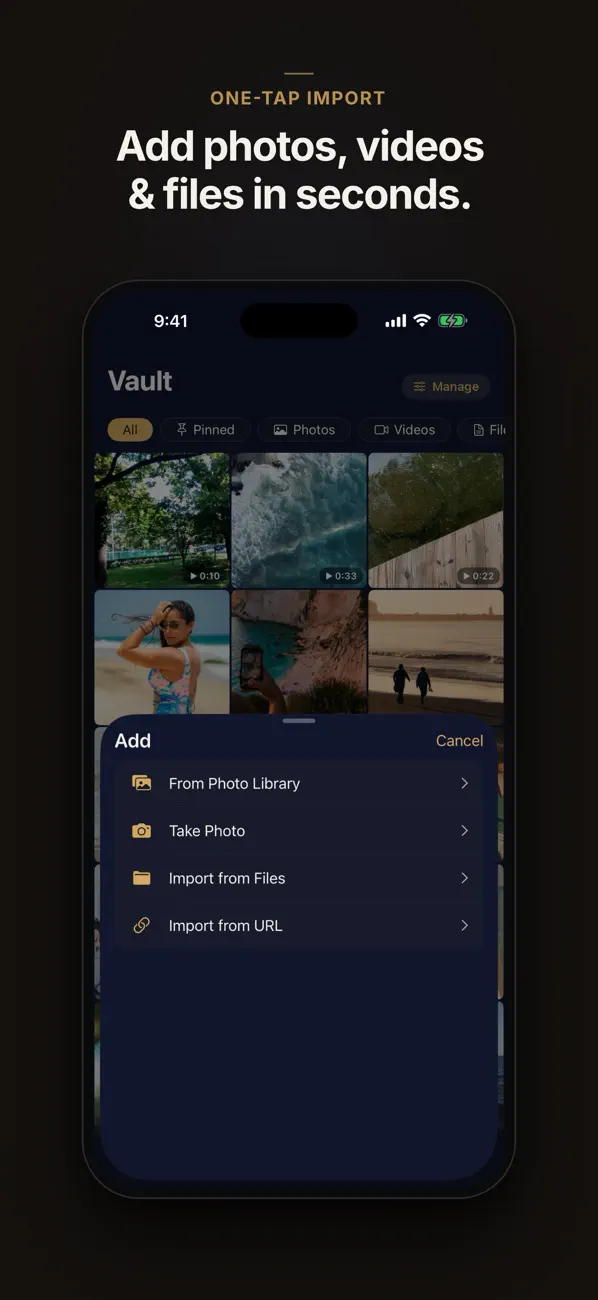
Import photos, videos and files, shoot directly with the in-app camera, or add your passwords.
Lock it & forget it
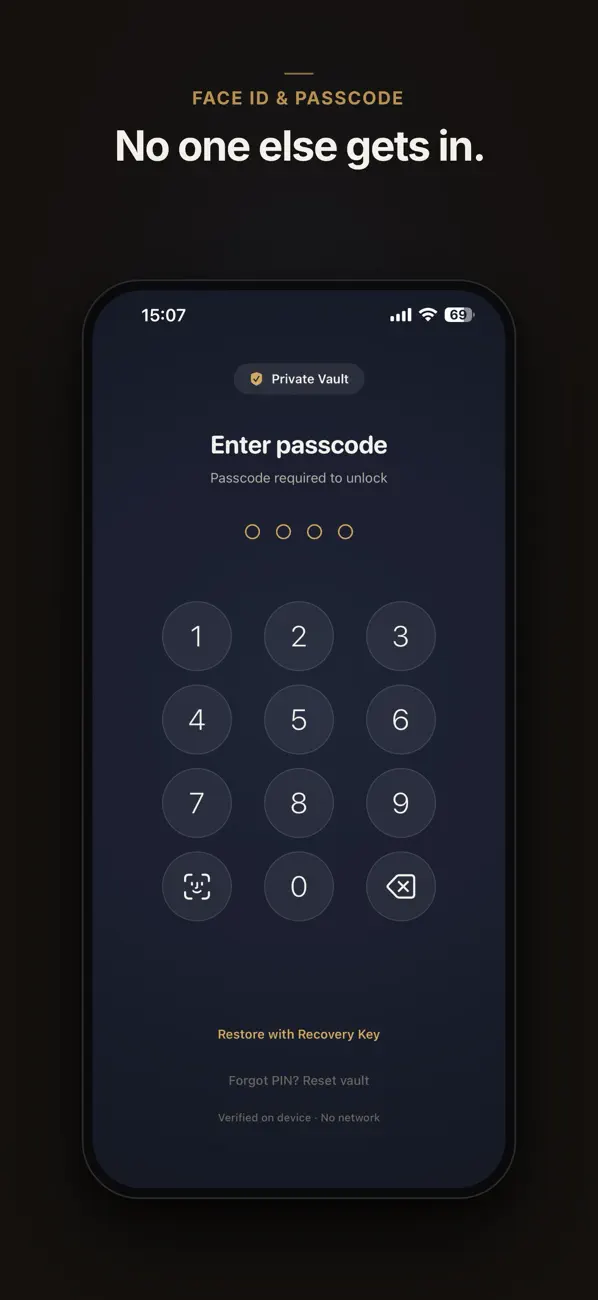
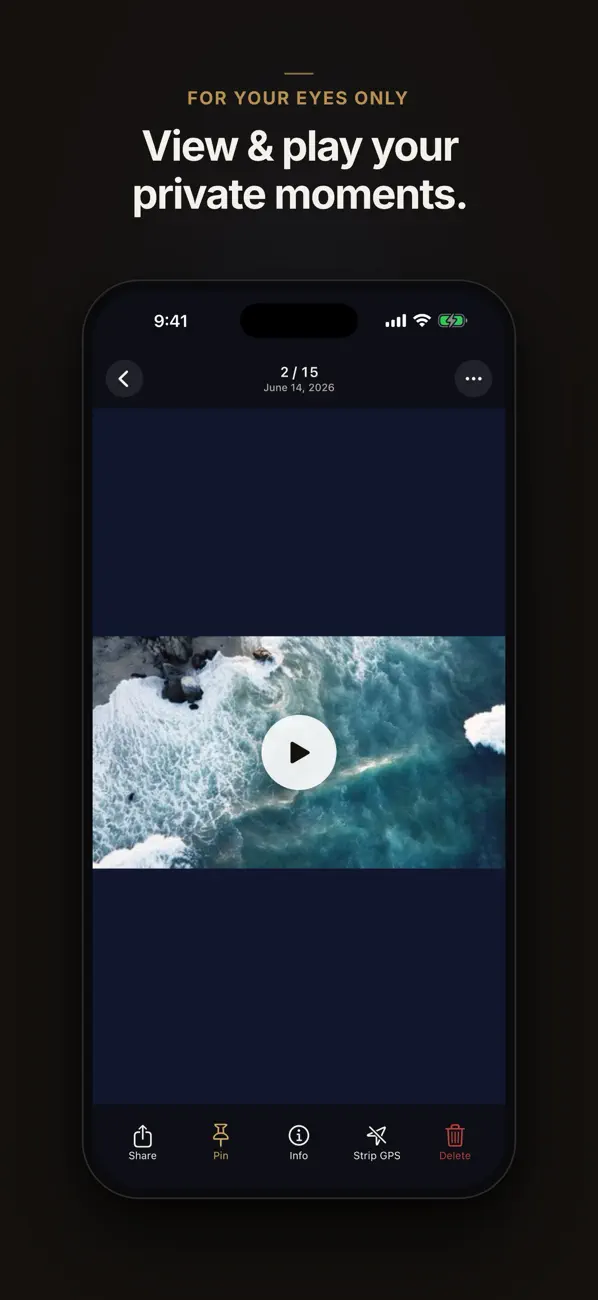
Everything is sealed the moment the vault closes. Open again in a glance with Face ID, Touch ID or your PIN.
Security you can verify, not just trust
Every item is encrypted with ChaCha20-Poly1305 — the same modern AEAD cipher that protects today's internet — under a key only your PIN can rebuild. Zero-knowledge means there is nothing on our side to hack, leak or subpoena.
- Argon2id key derivation — 64 MiB memory-hard, brute-force hostile
- Key lives only in RAM and is wiped the instant the vault locks
- Zero-knowledge design — the master key never leaves your device
A vault for every private thing
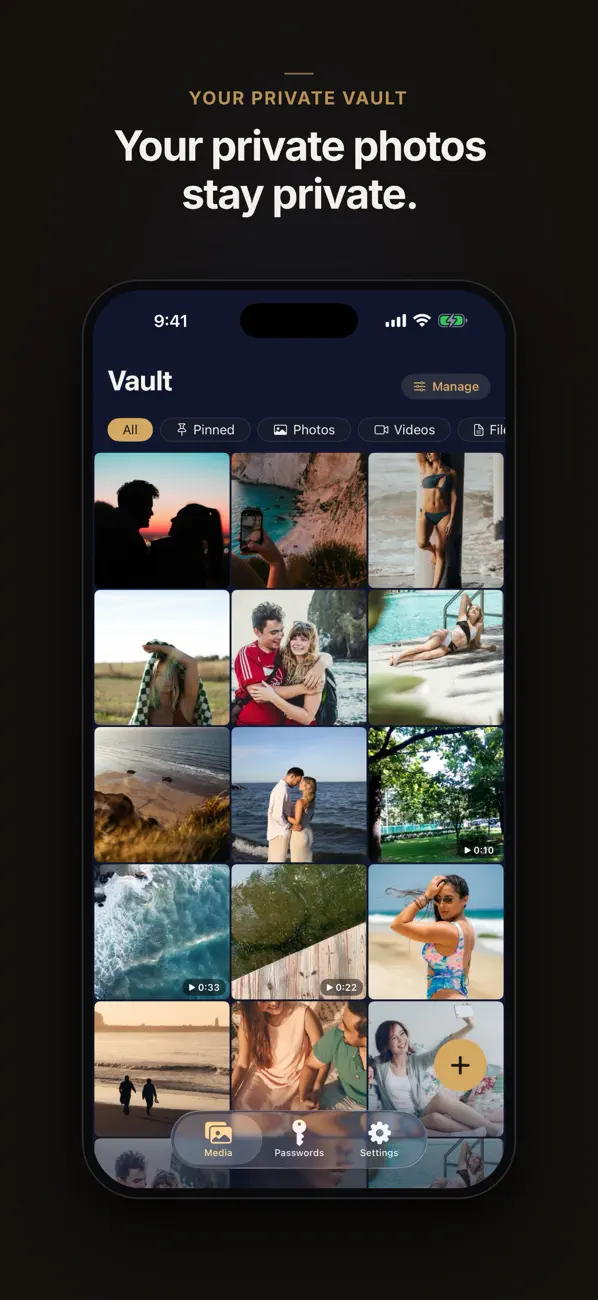
Not just photos. Live Photos, HEIC, 4K video, PDFs and any other file all go in — imported from your library, the Files app, or captured straight into the vault with the in-app camera so they never touch the camera roll.
- Live Photos, HEIC & 4K video kept in original quality
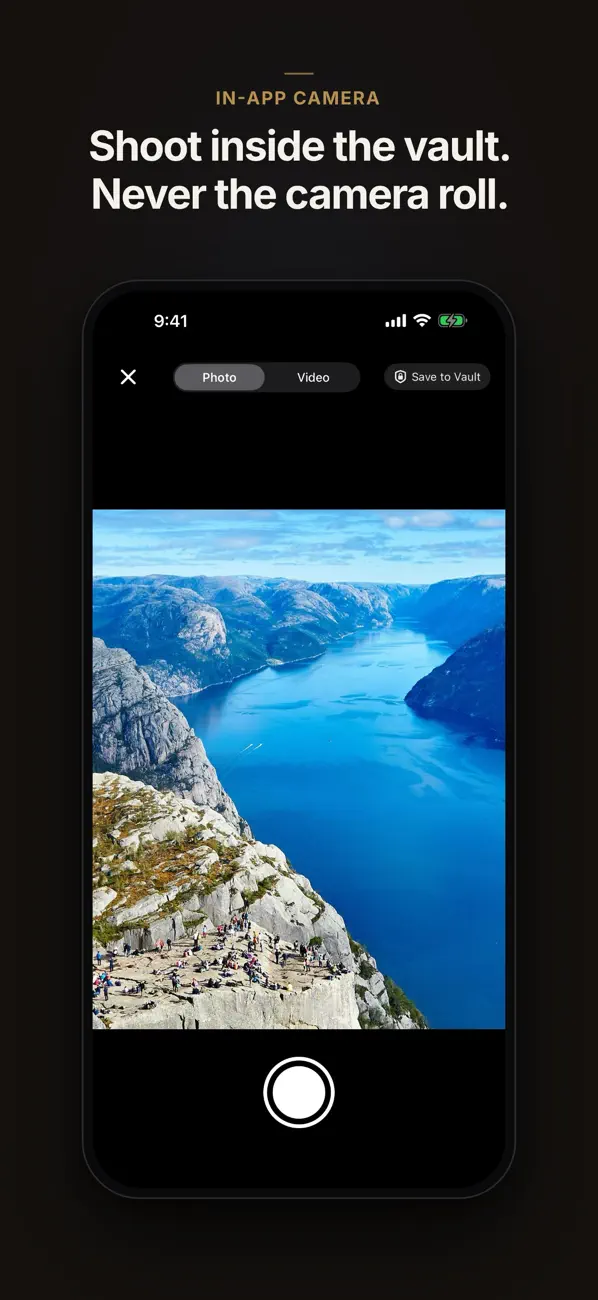
- In-app camera — shoot directly into encrypted storage
- PDFs and any file type, organized inside the vault
A password manager that checks itself
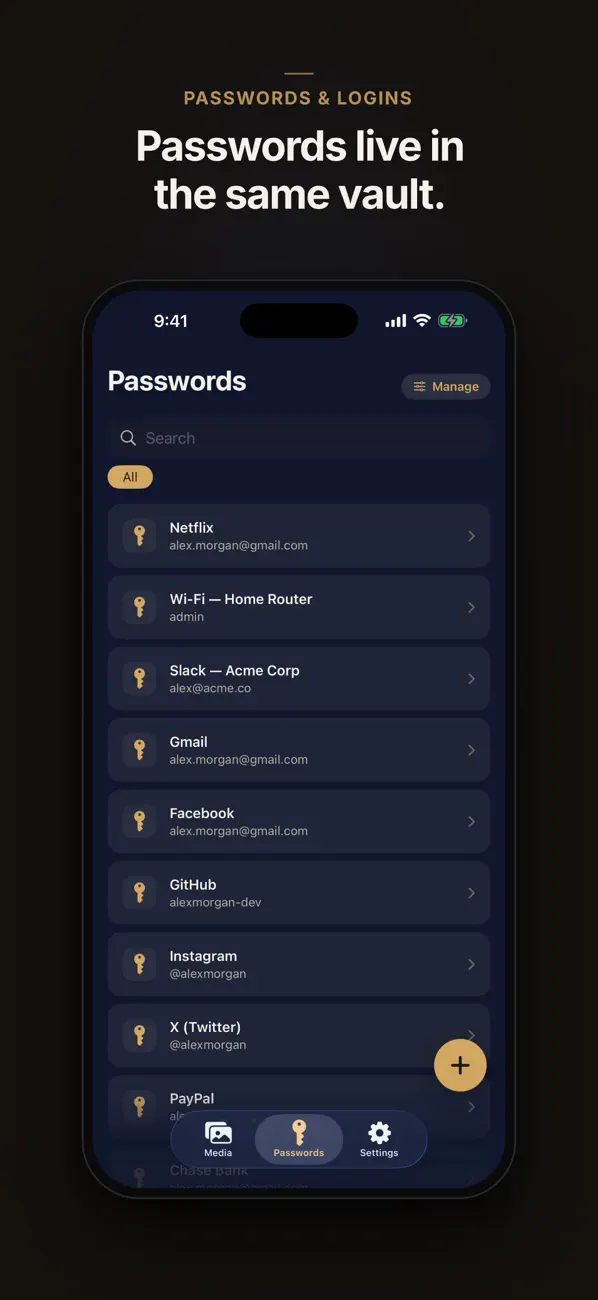
Generate strong passwords, see at a glance which ones are weak or reused, and get an alert when a password appears in a known data breach — checked against Have I Been Pwned without ever revealing your password.
- Strong password generator with strength meter
- Breach alerts via Have I Been Pwned (k-anonymity)
- Encrypted like everything else in the vault
Sync on your terms — or not at all
Private Vault is local-first: nothing syncs unless you say so. Flip the switch and only encrypted blobs travel to your private iCloud database, with the master key PIN-wrapped through Apple's end-to-end-encrypted Keychain.
- Off by default — sync only if you opt in
- Ciphertext only — neither NDLab nor Apple can read your vault
- One switch to stop, and a Danger Zone to erase everything
Details that keep it airtight
Face ID & Touch ID
biometrics or PIN — multi-layer lock, your choice
Instant Relock
the vault seals the moment the app leaves the foreground
In-App Camera
shoot photos straight into the vault — never the camera roll
No Account, No Ads
no sign-up, no email, no server holding your data
Danger Zone
erase every blob, key and setting — completely and irreversibly