
Video Stream
for Chromecast
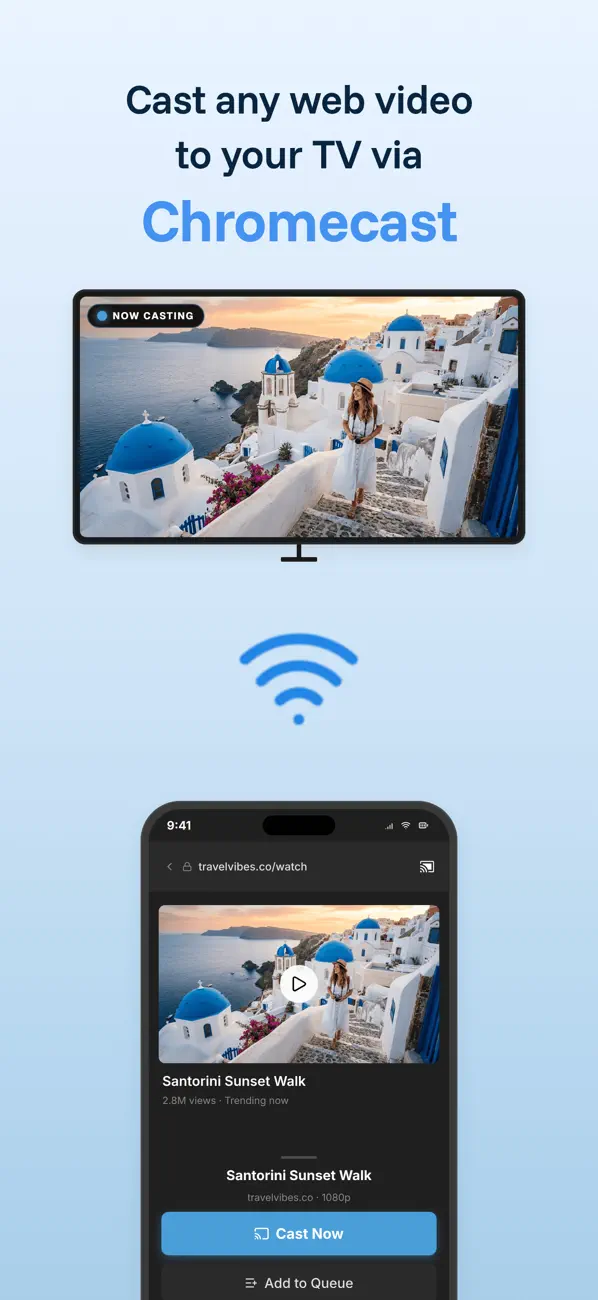
Cast any web video to your TV — in one tap.
A browser built for casting: find the video, skip the ads, send it to the big screen, and control it all with a full remote in your pocket. Works where iOS casting stops.
On your TV in three steps
No dongles to reconfigure, no screen mirroring lag — VideoCast talks to your Chromecast directly.
Connect
Tap the cast icon and pick your Chromecast, Google TV or Nest speaker on the same Wi-Fi network.
Browse & play
Open any website in the built-in browser and press play on the video or song you want to watch.
Enjoy on the TV
VideoCast detects the stream and sends it to the big screen — pause, seek and adjust volume from your phone.
A browser built for casting
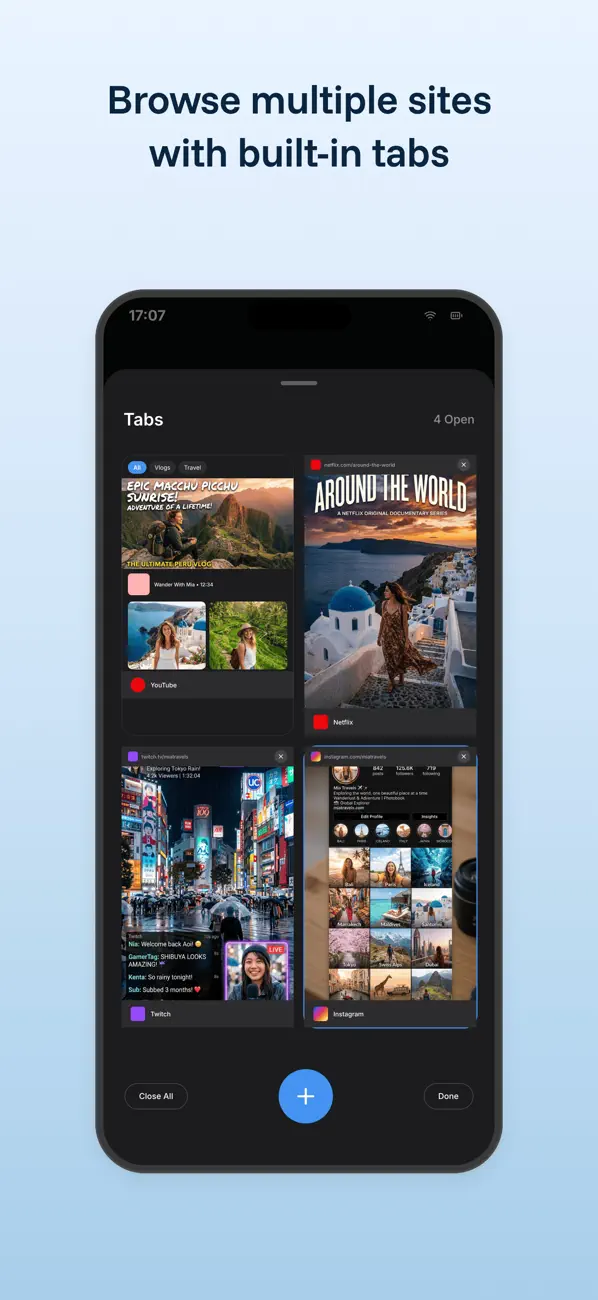
Not a screen mirror — a real multi-tab web browser with a cast button in the toolbar. When a page starts playing video or music, VideoCast picks up the stream and offers to send it to your TV.
- Multi-tab browsing with a fast tab grid
- Bookmarks & history collected in My Page
- Stream detection — cast the moment playback starts
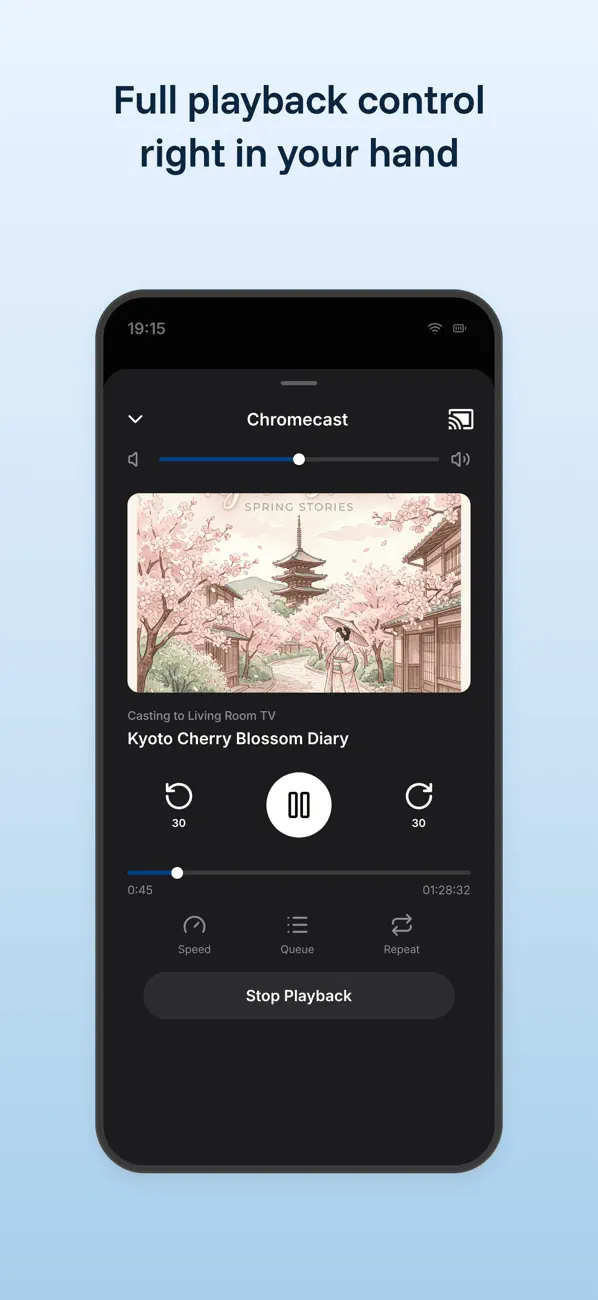
A full remote in your pocket
Once the video is on the TV, your phone becomes the remote. Everything you'd reach for on a physical controller — without hunting between the couch cushions.
- Play, pause & precise seeking from the mini player
- Volume & playback speed without touching the TV
- Cast history to replay recent items in a tap
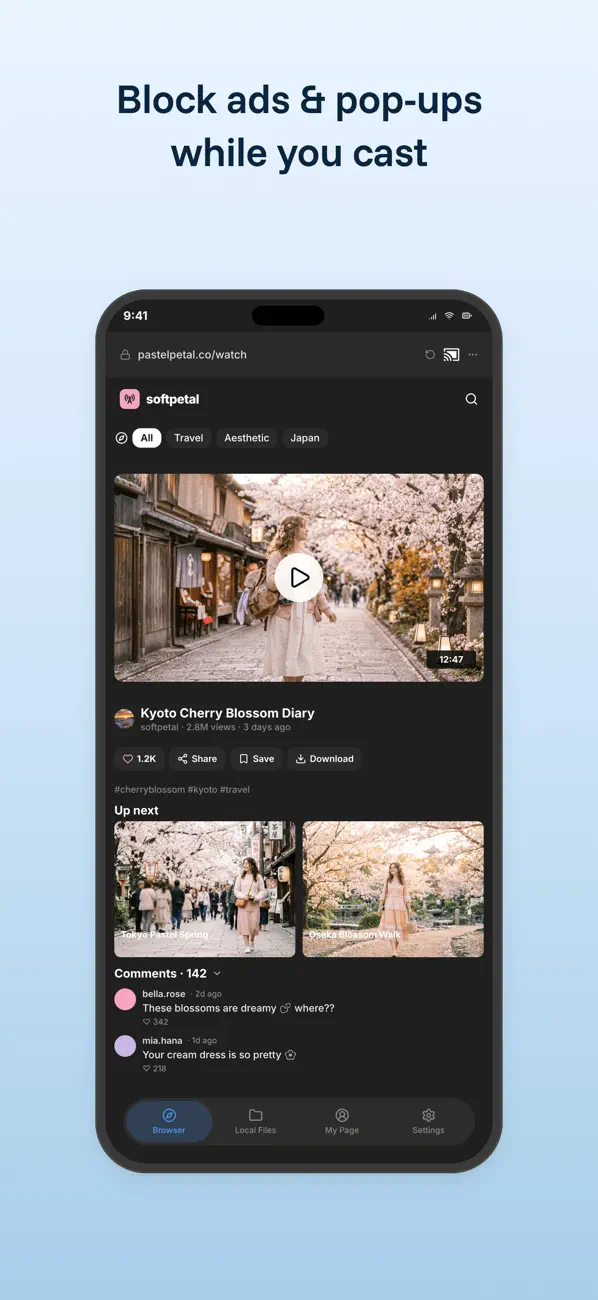
An ad blocker that clears the path
Video sites love popups, redirects and auto-playing pre-rolls. VideoCast ships an on-device content blocker that filters them out before they get between you and the play button.
- Popups & redirects handled before they load
- Trackers filtered on-device — nothing leaves your phone
- One toggle in Settings to turn it on or off any time
Your own photos & videos, on the big screen
The Local Files tab casts what's already on your device — holiday photos, home videos, a PDF-free slideshow for the family. Pick from the Photo Library or import from the Files app.
- Photo Library & Files app sources supported
- Music to Nest speakers and displays too
- Recent items kept in cast history for quick replays
Small things, done properly
Every Chromecast
Chromecast, Chromecast with Google TV, and TVs with Chromecast built-in
Audio to Nest
stream music to Google Nest speakers and displays
Cast History
recent casts one tap away, ready to replay
One App, 4 Platforms
iPhone, iPad, Mac and Apple Vision Pro
Optional Premium
one upgrade removes in-app advertising